We use cookies to make this site work. We'd also like to set optional cookies so we can understand how the site is used and improve it. We will not set optional cookies unless you accept them. You can change your choice at any time from the Cookie settings link in the footer.
Strictly necessary cookies
These cookies are required for the site to work. They store your cookie preferences and keep your session secure. They are exempt from consent under PECR Regulation 6(4) because they are essential to deliver the service you have requested.
Optional cookies
Optional cookies help us understand how the site is used and provide additional features such as analytics, accessibility tools and translation. We will only set them if you accept.

NHS App
Whiteparish Surgery would like to invite you to use the NHS App
The simple and secure way to access a range of NHS services on your smartphone or tablet.
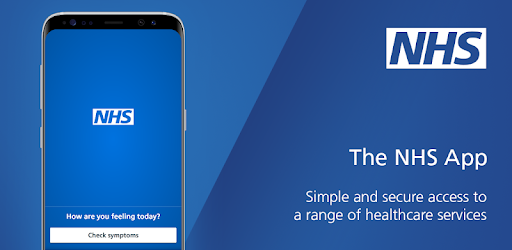
You can access NHS App services directly on your computer without downloading anything by logging in through the NHS website. For mobile devices, you can download the application directly from the NHS App Online portal.
The NHS App and its online portal allow you to connect with your local GP surgery to perform several actions:
Book appointments: View, book, and cancel routine GP appointments.
Consultations: Fill out online forms to ask about health problems directly to your surgery.
Prescriptions: Request repeat prescriptions and track their progress.
Medical records: View your test results, health conditions, and appointment notes.
Keeping your data secure
After you download the app, you will need to set up an NHS login and prove who you are. The app then securely connects to information from your GP surgery.
If your device supports fingerprint detection or facial recognition, you can use it to log in to the NHS App each time, instead of using a password and security code.
Download the app:


Get help with the app
If you have any issues using or downloading the app, check the NHS App help and support page.